

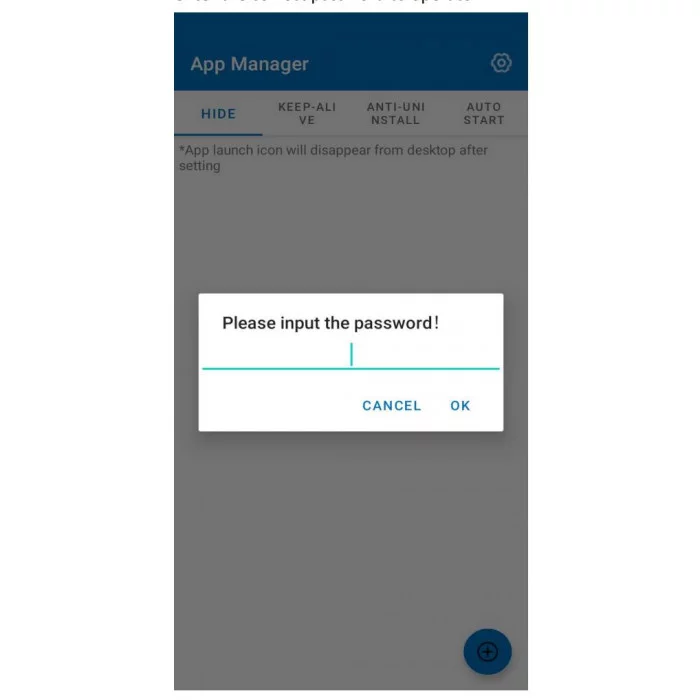
SEUIC Application Management — application management
SEUIC Application Management is the official Android tool for managing corporate applications on SEUIC terminals: hiding icons , protection against deletion , auto-start , enabling/disabling access , and centralized overview — all from a single interface.
- Estimated delivery: up to 4 business days
- Free shipping and returns: дfor all orders over $200
SEUIC Application Management is a system utility for full control of installed applications on SEUIC Android terminals (warehouse, logistics, retail, production). It gives administrators quick policy tools without flashing and without unnecessary user actions.
Key features
-
Hiding applications. Hide icons of work/service applications to prevent accidental or unwanted launches.
-
Uninstall Protection: Block the uninstallation of mission-critical enterprise applications without administrator privileges.
-
Autostart after power-on. Assign applications that start automatically — the device is ready to work from the first second.
-
Availability management. Quickly enable/disable applications by role, shift, or process.
-
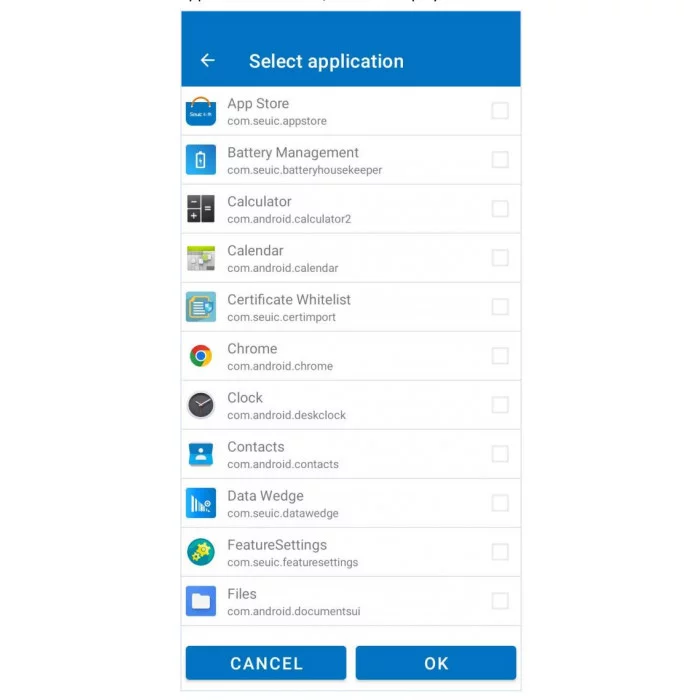
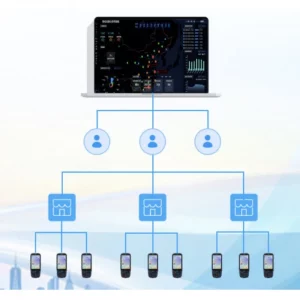
Centralized overview: All your installed applications in one list; apply policies to selected items in seconds.
Benefits for business
-
Protect corporate data. Minus the risks of accidental deletion or unauthorized access.
-
Process stability. Only the necessary tools remain on the terminal — fewer errors and “distractions.”
-
Higher productivity. Autostart + access control reduce downtime and make it easier to start a shift.
-
Flexibility and scalability. Easily adapt application sets to zones/roles without complex interventions.
-
Less support workload. Intuitive interface = faster deployment and fewer tickets.
Where it works best
-
Warehouse/3PL: WMS clients, scanning applications, inventory — only the necessary applications “at hand”.
-
Production: line control, checklists, photo fixation – without third-party programs on the device.
-
Retail: cash register/back office, access to POS and service applications without “extra” icons.
How it works (briefly)
-
The administrator opens SEUIC Application Management on the terminal.
-
Selects programs → sets policies: hide , protect from deletion , enable/disable , add to startup .
-
Applies changes — the terminal works according to the new rules without user intervention .
Security and compatibility
-
Local management on supported SEUIC models; no root required (by default).
-
Devices: SEUIC Android terminals ( CRUISE , AUTOID , etc.).
-
OS: Android (version depending on model).
FAQ
Is this an EMM/MDM replacement?
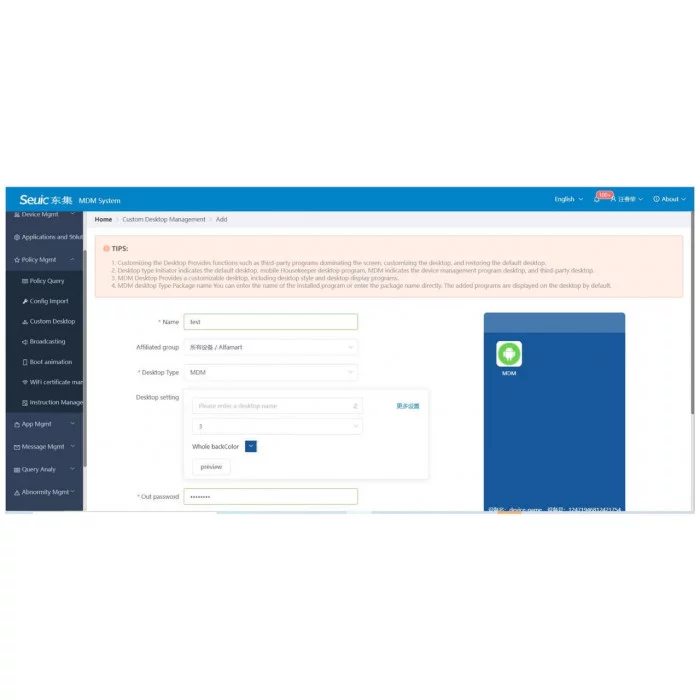
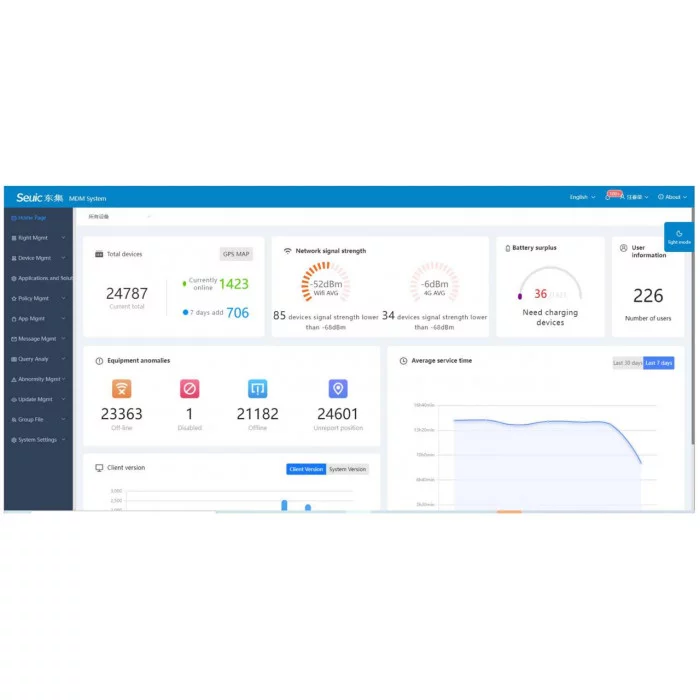
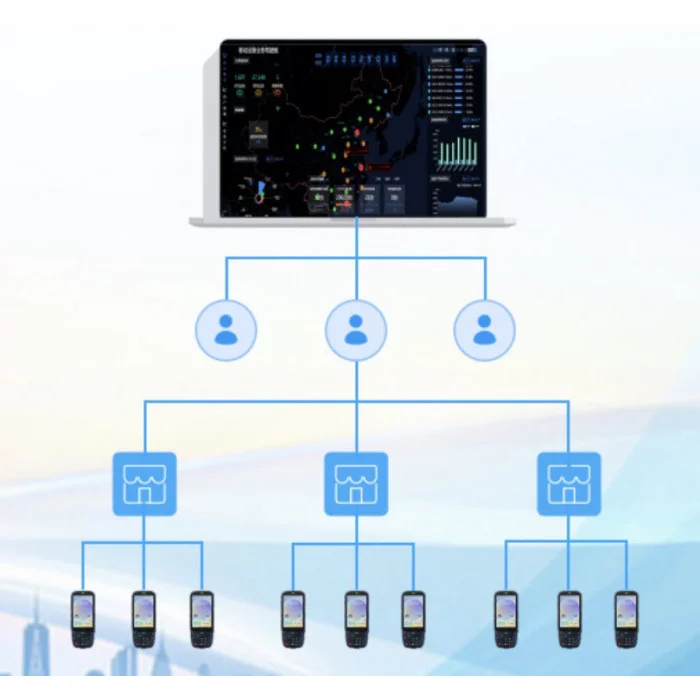
No. SEUIC Application Management is local application control on a single device. For a centralized fleet, use EMM/MDM .Is it possible to have different profiles for roles/shifts?
Yes, storing different sets of settings is supported (depending on model/firmware).Need Internet?
No. Policies are applied locally; only the business applications themselves need the network.Is deletion really blocked?
Yes, the administrator enables deletion protection on selected applications.
 English
  Polski
  Українська
Reviews
There are no reviews yet.